


Synology licenses are not a subscription and most Synology software needs none at all. Four packages have a paid tier, each one lifting a default limit rather than unlocking the software: Surveillance Station, MailPlus, Virtual DSM and Virtual Machine Manager Pro. This page covers what every Synology license actually buys, which ones your NAS already includes for free, what each costs today, and which of them you can move to another machine or sell on.
SynoPower Club Point: The detail that catches people out is not the price, it is what happens at the end. Camera, MailPlus and Virtual DSM licenses are perpetual, so they keep working forever. VMM Pro is the one genuine subscription here, and when it lapses the advanced features stop while basic VMM carries on. Knowing which of the four behaves which way before you buy is worth more than any discount.
Table of Contents
Most people know Synology as a NAS manufacturer based in Taiwan, primarily producing and manufacturing network storage devices.
However, many are unaware that Synology owns no factories of its own; all Synology devices are all produced by various Taiwan factories (In 2006, when I first joined Synology, one of my tasks was to inspect NAS units at these factories).
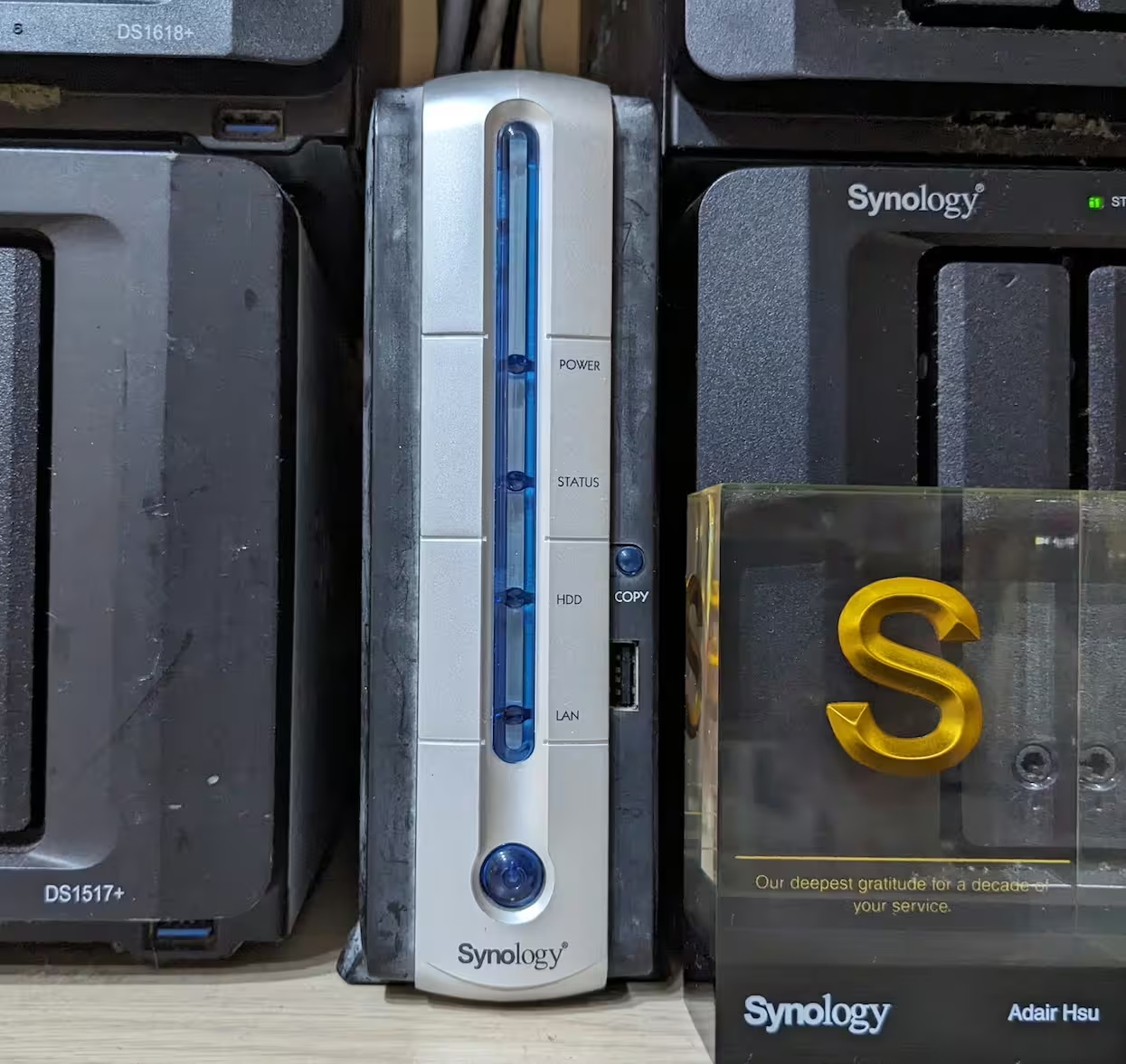
Therefore, we could treat Synology as a software company, developing OS and applications that run on network storage, turning them into private data centers for data management.
Besides, most Synology R&D are software designers, focusing on creating and maintaining various applications. When we buy a Synology NAS, we are actually purchasing the software developed by Synology.

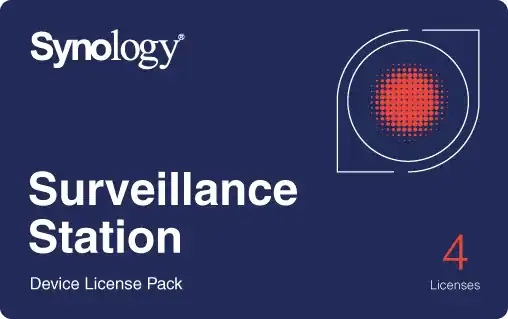
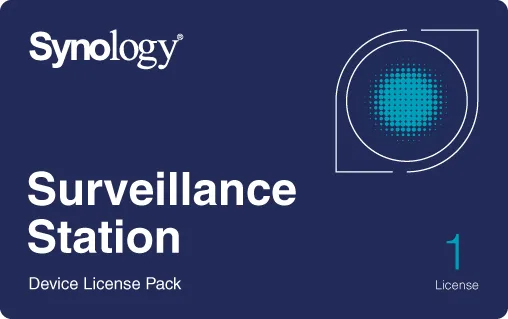

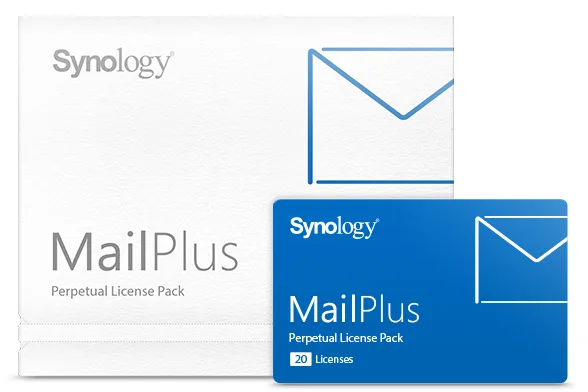
Which Synology licenses does your NAS already include?
All four Synology licenses have a free default tier, and a surprising number of installations never need to go beyond it.
- Surveillance Station: 2 cameras on a Synology NAS, 4 on an NVR-series unit and 8 on a Deep Learning NVR (the DVA series). These free licenses stay with the hardware and cannot be migrated.
- MailPlus: 5 mailboxes. Enough to run a small company’s mail entirely on the NAS at no additional cost.
- Virtual DSM: 1 instance, on supported models.
- VMM Pro: a one-month trial.
Two of these stack in a way almost nobody notices: a free Virtual DSM instance brings its own 5 free MailPlus accounts, so one NAS running one guest starts with ten mailboxes rather than five. The reverse also holds, and it is less welcome: a Virtual DSM instance running Surveillance Station does not get the 2 free camera licenses.
Does Synology require license?
No. Most Synology software runs at full functionality with no Synology licenses of any kind.
Four packages are the exception. These require Synology licenses only once the deployment exceeds a default capacity or period:
- Surveillance Station
- Synology MailPlus
- Virtual Machine Manager Pro
- Virtual DSM
- Presto File Server
- Extended Warranty Plus
If we need more than the basic default limits, paid Synology licenses expand the capacity.
Some paid Synology licenses are perpetual and migratable. If we no longer need them, we can even sell those paid license to others. This is another unique aspect of Synology licensing plans.
The four Synology licenses and what each one actually covers are below.
Are Synology licenses a subscription?
Almost never, and it is the most common misunderstanding about Synology licenses. Three of the four Synology licenses are bought once and never billed again.
- Camera Synology licenses: perpetual. No expiry, no renewal, and they move with you to a new NAS.
- MailPlus Synology licenses: perpetual. Same again, bought once per block of mailboxes.
- Virtual DSM: perpetual, with three years of updates. After three years the instance keeps running; what stops is the supply of feature and security updates until a new key is added. It is not a three-year expiry, which is the way it is most often misread.
- VMM Pro: genuinely time-limited. This is the one Synology license sold by period. When it lapses the Pro features stop and basic Virtual Machine Manager continues, so nothing is lost, only the advanced capability.
DSM itself, and the rest of the package catalogue, need no Synology licenses at all. There is no Synology account tier, no per-user fee for file services, and no charge for software updates.
Main Synology License Plans
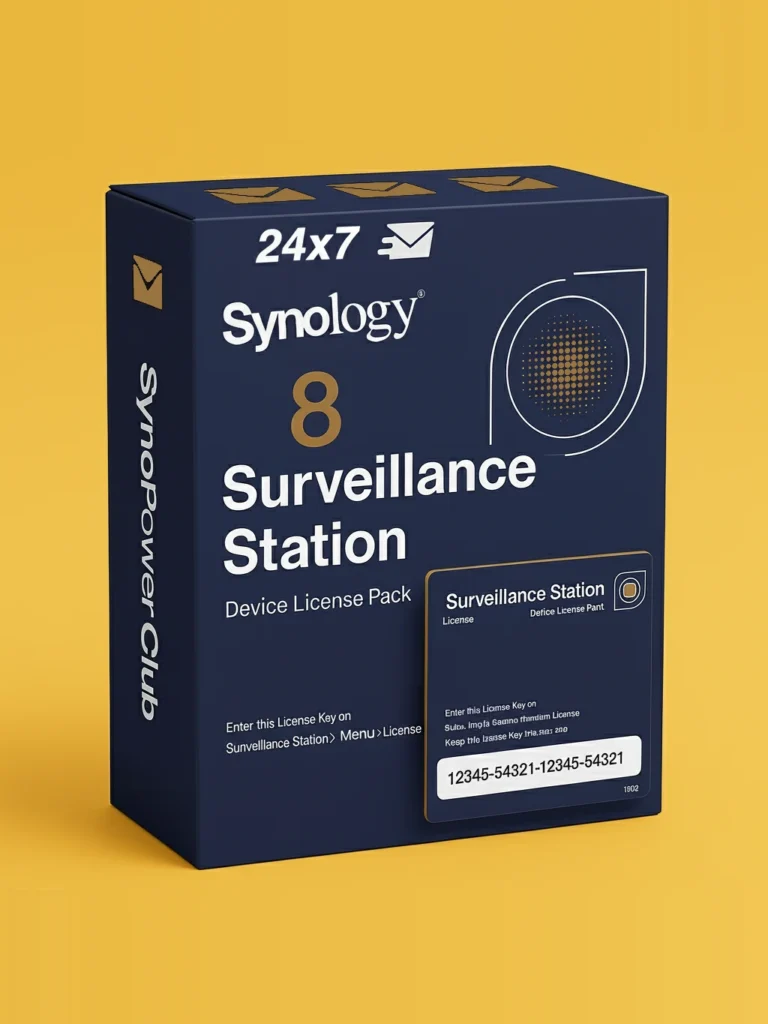
Surveillance Device License ( Synology Surveillance Station License )
Default License: Synology NAS comes with 2 free default licenses for Surveillance Station. These Synology licenses are also called Synology Surveillance licenses, Surveillance Station licenses or camera licenses.
Paid License Packs: Available in 1-device, 4-device, and 8-device packs. Currently US $65.09 for a single device, or US $60.82 per device in the 8-pack.
License Type: Paid Synology Surveillance license packs are globally valid and perpetual. They could be migrated to another Synology NAS too. Default 2 licenses are not migratable.
Synology Surveillance Station is a software package turns a NAS into a Network Video Recorder (NVR) and Video Management System (VMS). Different Synology NAS can manage 5 to 650 network IP cameras.
If we need to manage more than 2 cameras, additional paid licenses are required. For example, to manage 7 cameras, we would need 5 additional licenses ( we could buy 5×1-device licenses or a combination of packs like 4-device plus 1-device packs ).
Synology MailPlus License
Default License: Supported Synology NAS models come with 5 default free email accounts for MailPlus.
Paid License Packs: 5U ( for adding 5 email accounts) and 20U (for adding 20 email accounts). The 5-user pack is currently US $245.12, which works out at US $49.02 per mailbox; the 20-user pack is US $951.06, or US $47.55 per mailbox.
License Type: Paid MailPlus license are globally valid, perpetual and could be migrated to another Synology NAS. Default free 5 email licenses are not migratable.
MailPlus is Synology commercial mail solution, turning a Synology NAS into an on-premises mail server similar to Gmail or Outlook. It supports email access via mobile and web client, and offers migration tools for Google Workspace or Exchange. Supported Synology Model can handle 50-3500 simultaneous accounts and provide High-Availability ability.
Virtual Machine Manager Pro (VMM Pro)
Default License: Supported NAS models come with 1 month free use of VMM Pro.
Paid License Packs: Bind for 3-node, 7-node, with time periods of 1 year or 3 years (Synology also lists a 5-year pack, which we do not stock). Our VMM Pro packs start at US $185.00; the 7-node tier is roughly double the 3-node price.
Watch the activation step. Activating a VMM Pro key on a host that already has time remaining can overwrite that period rather than extend it. Virtual Machine Manager 2.8.0 added clearer warnings about this, but the safe habit is to check the current expiry before entering a new key.
License Type: Periodical Subscription. When the subscription expires, VMM Pro features will stop, leaving only basic VMM functionality. The core features include scheduled snapshots, replication, and live migration, which require a license pack to continue using Pro features.
We could treat VMM Pro is a simplified VMware alternative, suitable for commercial environments requiring frequent backups of critical virtual machines. The live migration feature currently does not support storage live migration, requiring a shutdown to transfer virtual machines to other storage.
This site SynoPower Club is also running under VMM Pro.
Virtual DSM ( VDSM ) License
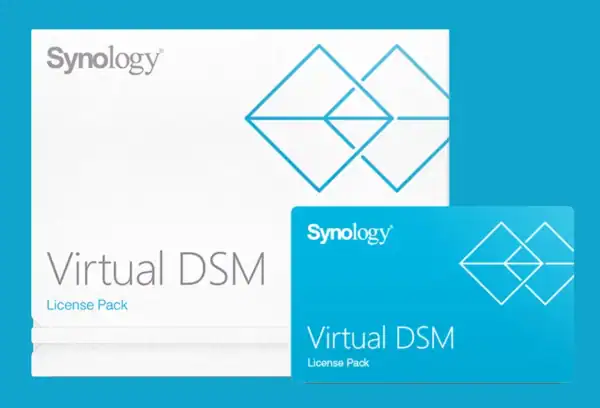
Default License: Supported NAS model comes with one free Virtual DSM instance.
Paid License Packages: 1 instance + 3 years of vDSM updates. Currently US $145.24. Of the four Synology licenses this is the one most often misread, so the terms below are worth reading twice.
License Type: Permanent but with limited 3 years of vDSM software updates. After three years, if no new license key is added, Virtual DSM can still work, but its feature and security updates will cease. However, applications installed on vDSM, like Surveillance Station, will continue to update.
Virtual DSM needs to run on Virtual Machine Manager (VMM), which supported models must supporting Btrfs file system. Btrfs allows for quick snapshot and frequent backups and restores of virtual machines.
By this benefit, it is suitable to protect running Docker on vDSM with containers, or using it to host websites. Btrfs snapshots make it easy to backup some time point or restore to a specific time point.
SynoPower Club is also using a website running on vDSM. And all email notification are all sent from MailPlus of another vDSM.
Special Note: vDSM includes 5 free MailPlus accounts. This is its extra benefits that most doesn’t know. But if vDSM installs Surveillance Station, there is no default 2 free licenses.
SynoPower Club: Synology License Online 24×7
-
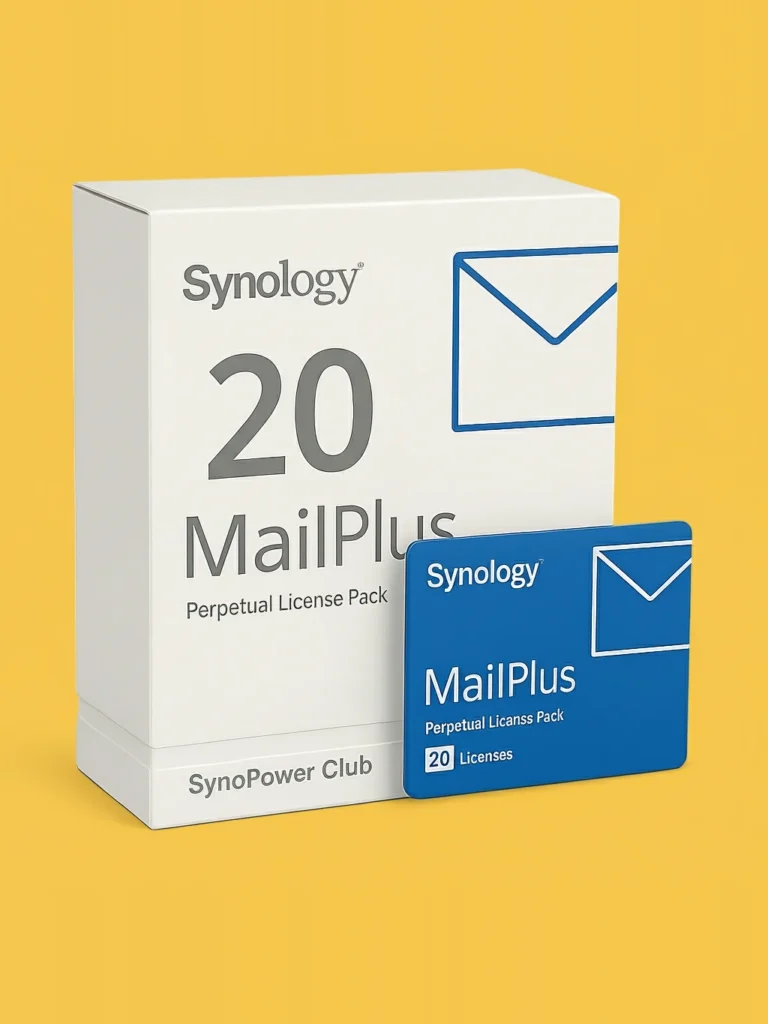
Synology MailPlus License 20-User
Original price was: US $1,080.76.US $951.06Current price is: US $951.06. -
Synology MailPlus License 5-User
Original price was: US $272.35.US $245.12Current price is: US $245.12. -
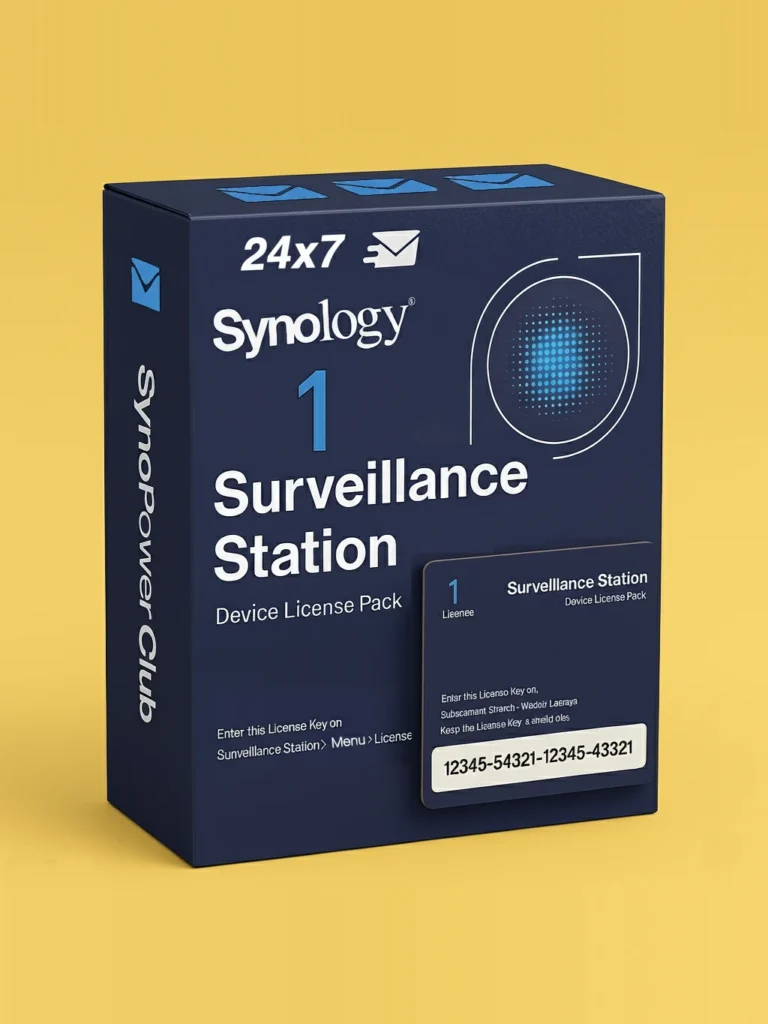
Synology Surveillance Station Camera License 1 Pack (CLP1)
Original price was: US $73.32.US $65.09Current price is: US $65.09. -
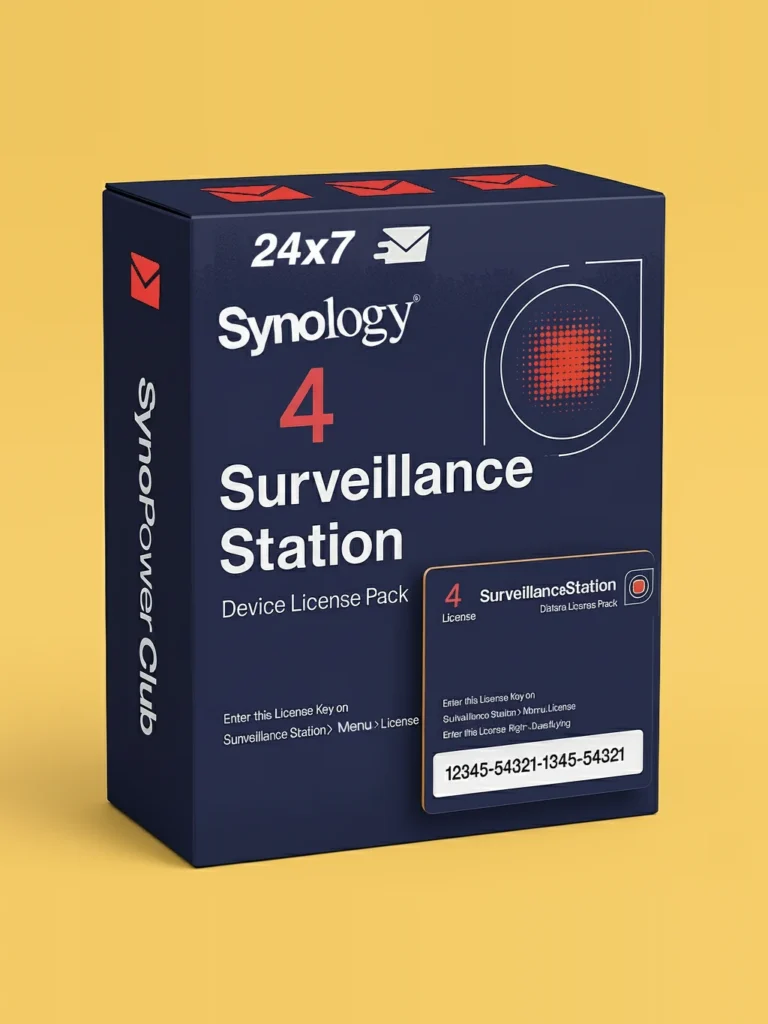
Synology Surveillance Station Camera License 4 Pack (CLP4)
Original price was: US $299.90.US $257.92Current price is: US $257.92. -
Synology Surveillance Station Camera License 8 Pack (CLP8)
Original price was: US $586.20.US $486.55Current price is: US $486.55.

How to choose the right Synology license
Four questions settle almost every case. Work through them in this order before buying any Synology licenses.
Work out which package you are actually hitting a limit on
Only four Synology packages have a paid tier. Surveillance Station stops at two cameras, MailPlus at five mailboxes, Virtual DSM at one instance, and VMM Pro runs its advanced features for a month. If nothing you run is bumping one of those ceilings, no Synology licenses are needed at all.
Count the gap, not the total
Synology licenses add to the free allowance rather than replacing it. Seven cameras on a standard NAS means five extra channels, not seven, and ten mailboxes means five extra accounts. Getting this wrong is the most common way people overbuy Synology licenses.
Choose the pack size by where you expect to be, not where you are
Larger packs carry a lower unit price and they stack, so buying one size up costs less than buying a second small pack later. Check the per-camera and per-mailbox figures in the pricing section above before deciding.
Check whether it needs to move later
Purchased Synology licenses for cameras, MailPlus and Virtual DSM can be migrated to another NAS through your Synology account, and can even be sold on. The free default allowances cannot move. If a hardware refresh is on the horizon, that difference is worth more than a small discount.
Frequently asked questions about Synology licenses
Does Synology require a subscription?
No. DSM and almost every Synology package run with full functionality and no license at all. Four packages have a paid tier that raises a default limit, and of those only VMM Pro is sold by period. Camera, MailPlus and Virtual DSM licenses are one-time purchases that never expire.
Which Synology licenses does a new NAS already include?
Two Surveillance Station camera licenses on a NAS, four on an NVR and eight on a Deep Learning NVR, five MailPlus mailboxes, one Virtual DSM instance on supported models, and a one-month trial of VMM Pro. Many installations never exceed these.
Can Synology licenses be moved to another NAS?
Purchased camera, MailPlus and Virtual DSM licenses can be migrated to another NAS through your Synology account, and they can even be sold on to someone else. The free allowances that came with the hardware stay with that hardware.
What happens when a Virtual DSM license reaches three years?
The instance keeps running. What ends is the entitlement to feature and security updates until a new key is added. It is three years of updates, not a three-year term, and the distinction matters because the machine does not stop.
What happens when VMM Pro expires?
The Pro features stop and basic Virtual Machine Manager continues, so your virtual machines keep running. What you lose is scheduled snapshots, replication and live migration until the license is renewed.
Do licenses stack?
Yes, in every case. Synology licenses stack with each other and with the free allowance, so a 4-pack plus a 1-pack gives five additional cameras on top of the two you started with. There is no penalty for combining sizes.
Is there a Synology license for DSM itself or for extra users?
No. DSM carries no license, there is no per-user fee for file services, and software updates are free for the life of the product. The paid tiers exist only for the four packages listed on this page.
Does a Virtual DSM instance get its own free camera licenses?
No, and this surprises people. A Virtual DSM instance does bring five free MailPlus accounts, but if you install Surveillance Station inside it there are no free camera licenses; every camera needs one.
Where can I see Synology licenses in use on video?
Three independent walkthroughs of Surveillance Station, the package where Synology licenses come up most often. They are third-party tutorials rather than Synology productions.
Official Synology references
- Surveillance Device License Pack, the official page for camera licenses.
- MailPlus License Pack.
- Virtual Machine Manager Pro License.
- Virtual DSM License.
- Synology Where to Buy, the directory of authorised partners.
Buying camera licenses specifically? Our guide to official keys versus keygens covers what an invalid key does to a NAS, and the installation guide covers adding and activating one.