

Receive and Install Synology MailPlus License Guide (2026)

Updated on October 29, 2026
Synology NAS devices that support the MailPlus Server package (check the latest supported models here) include 5 free MailPlus email accounts.
Additionally, NAS models that support Virtual Machine Manager come with 1 free Virtual DSM, which also includes another 5 free email accounts. (A lesser-known benefit!)
What a MailPlus License Actually Adds #
Extra licenses can be purchased for additional email accounts according to business needs.
For businesses requiring additional accounts, Synology MailPlus License Packs can be purchased to expand email account capacity.
Synology MailPlus License code is perpetual and available in 5-accounts, 20-accounts by two formats:
- paper card pack
- electronic pdf file
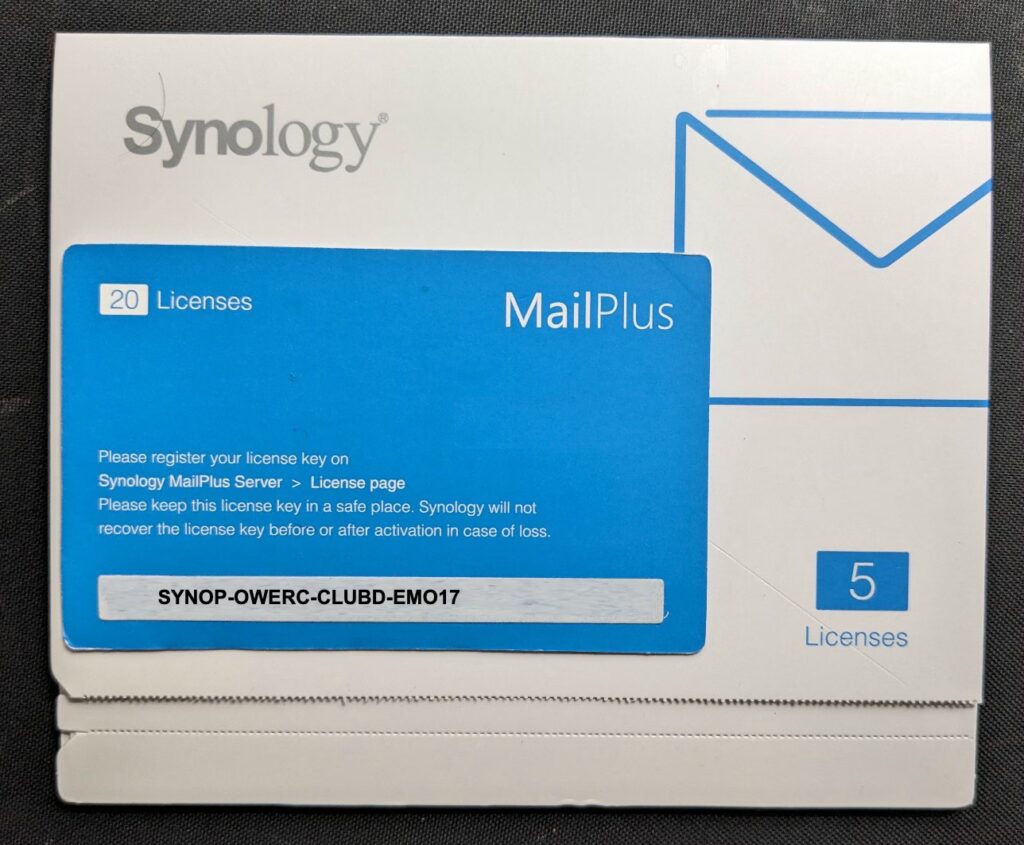
■ paper card pack
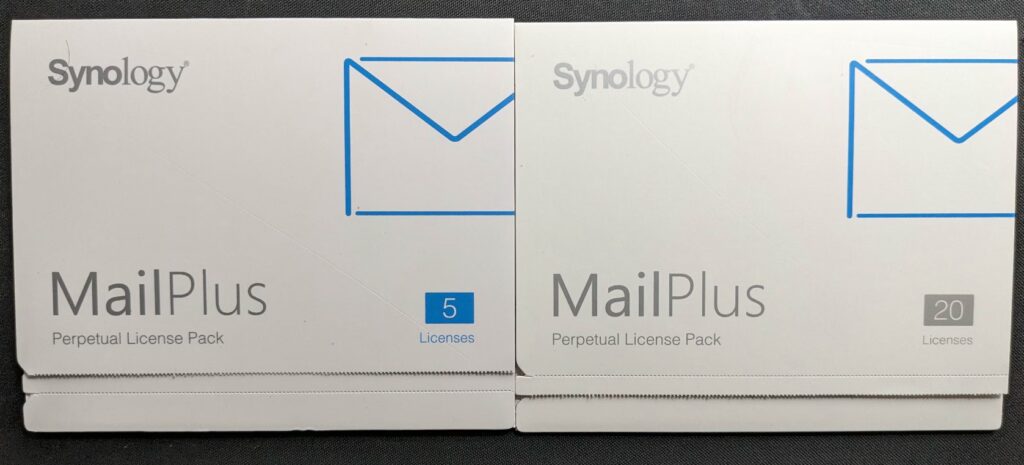
Each pack contains a card with a key inside, for example here is a demo:
■ electronic pdf file: (Synology only supplies to distributor or reseller)
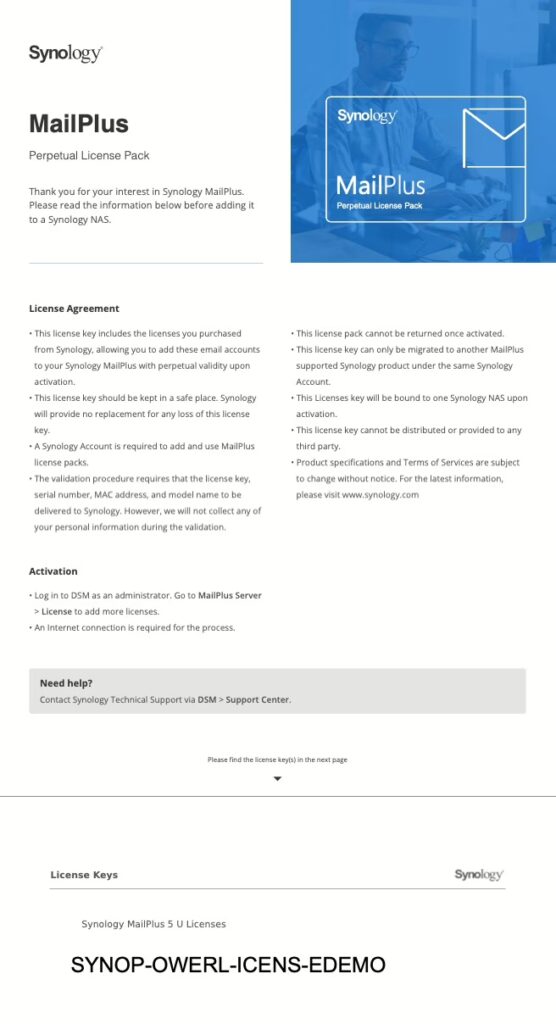
Each license includes a unique 20-digit key (format: xxxxx-xxxxx-xxxxx-xxxxx). Licenses can be combined to add multiple email accounts based on your requirements.
For example, to connect 30 additional accounts, add one 20-accounts licenses and two 5-accounts licenses.
MailPlus License key is permanently valid with lifetime update. You could also migrate them to another Synology NAS.
Important Notes:
- Only active email accounts need licenses. You can re-use licenses from deactivated accounts.
- Email aliases DO NOT need separate licenses.
- Check here or your NAS product page under Specs > Software Specs for the recommended maximum active accounts.
Count the Free Accounts You Already Have First #
Before buying anything, work out what the hardware already gives you. Most people buy a MailPlus license one pack too early because they only count the first five.
- Five accounts with every MailPlus Server installation. They never expire and they are not a trial.
- Another five on a free Virtual DSM instance. Any NAS that supports Virtual Machine Manager includes one Virtual DSM license, and that guest is a complete DSM — so it runs its own MailPlus Server with its own five free accounts. This is the benefit almost nobody counts.
- Ten in a high-availability cluster. Pair two NAS units into an SHA cluster and each member contributes its allowance, so the cluster starts at ten rather than five.
- Aliases cost nothing. Addresses like sales@ or support@ that deliver into an existing mailbox are aliases, not accounts, and never consume a license.
- Only active accounts are counted. Deactivate a leaver and that seat returns to the pool for the next hire.
Add those up before you size your order. A small team running one NAS with a Virtual DSM guest already has ten mailboxes without spending anything, and only needs a MailPlus license pack from the eleventh user onwards.
How to Add a MailPlus License in DSM #
Follow these simple steps to add licenses to your Synology MailPlus Server:
- Access Synology MailPlus Server in DSM.
- Navigate to the License tab.
- Click MailPlus > Add License.
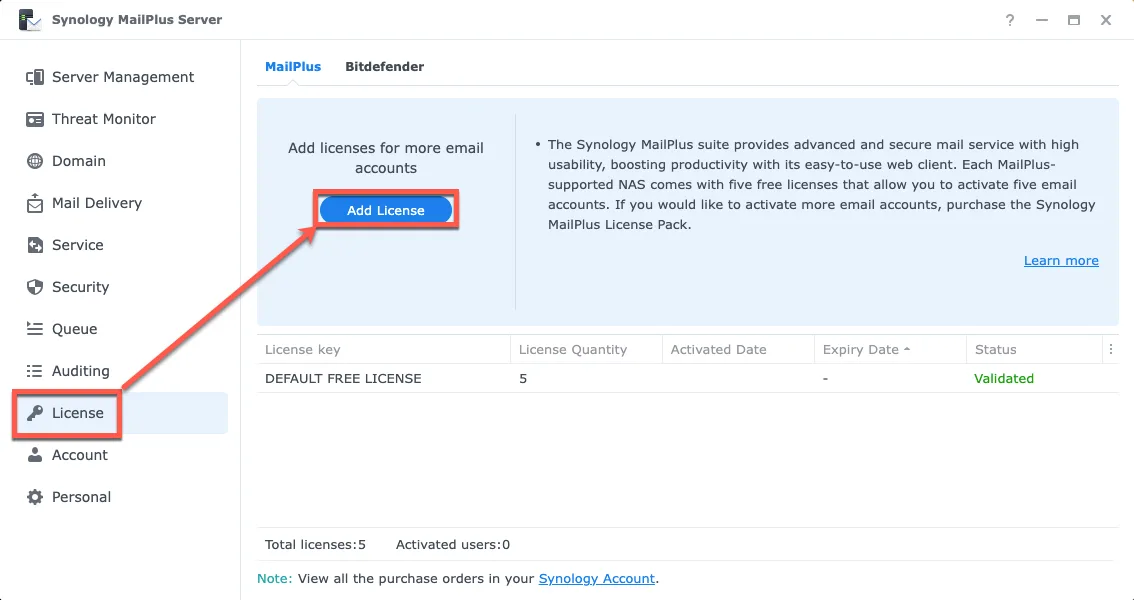
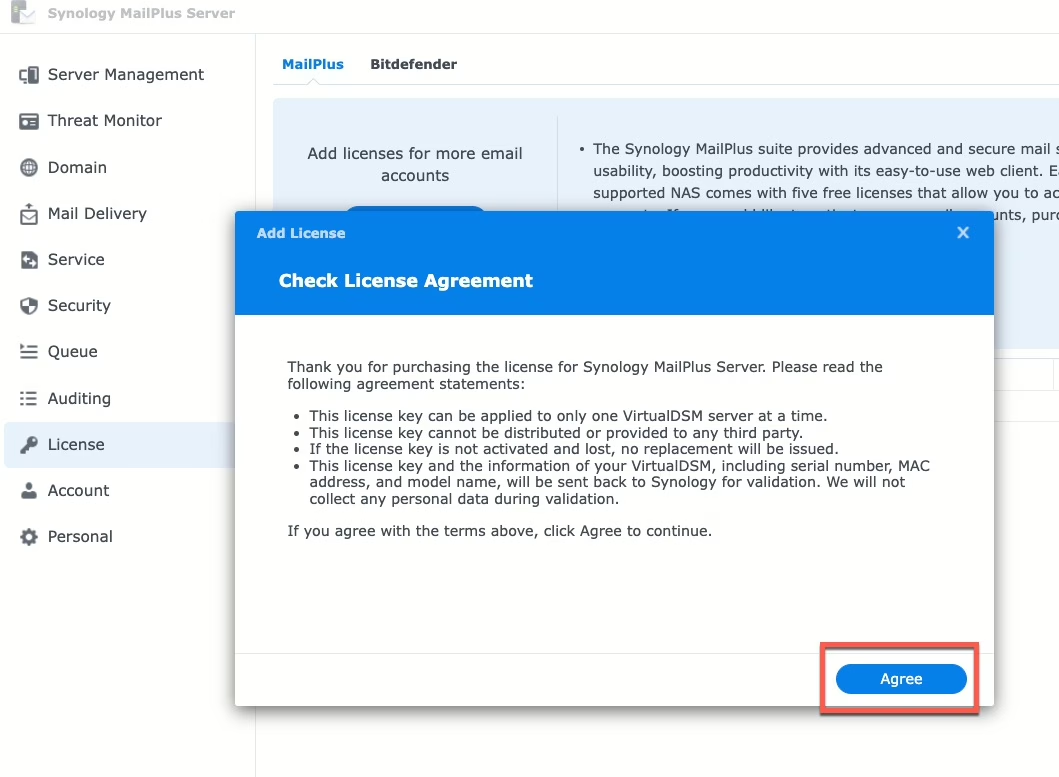
- Agree license statement.
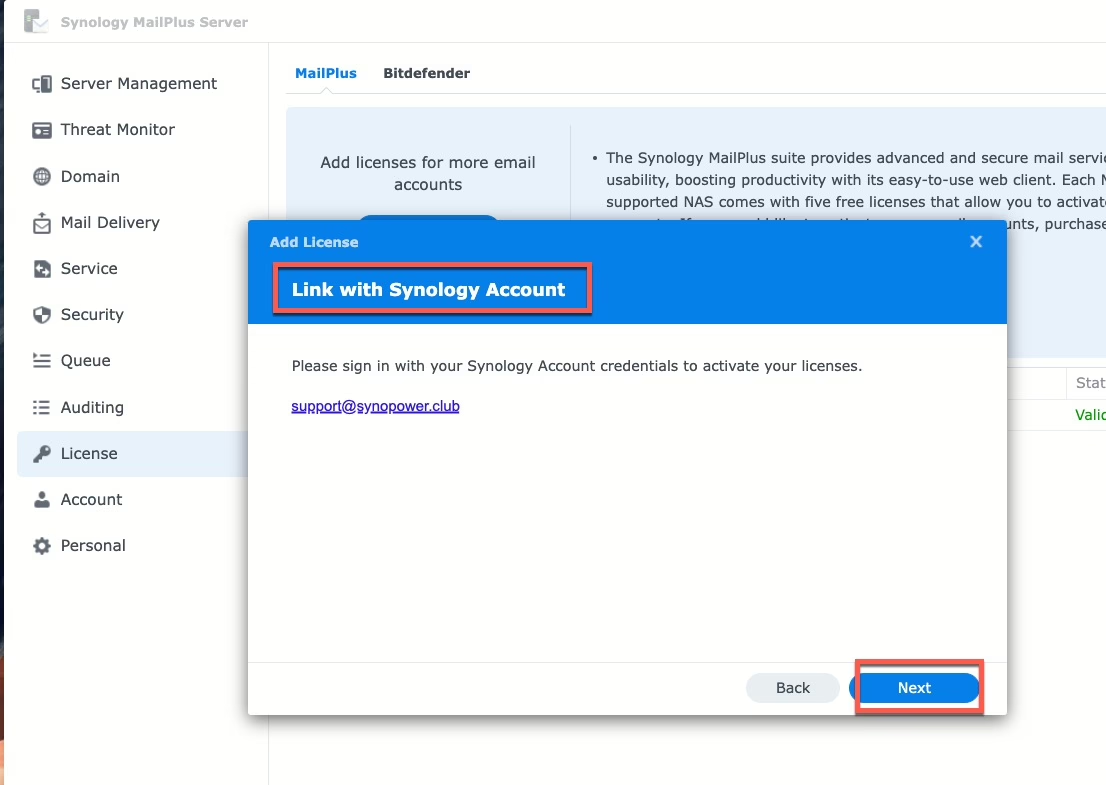
- Ensure a stable internet connection and sign in to your Synology Account for activation
- Choose an option:
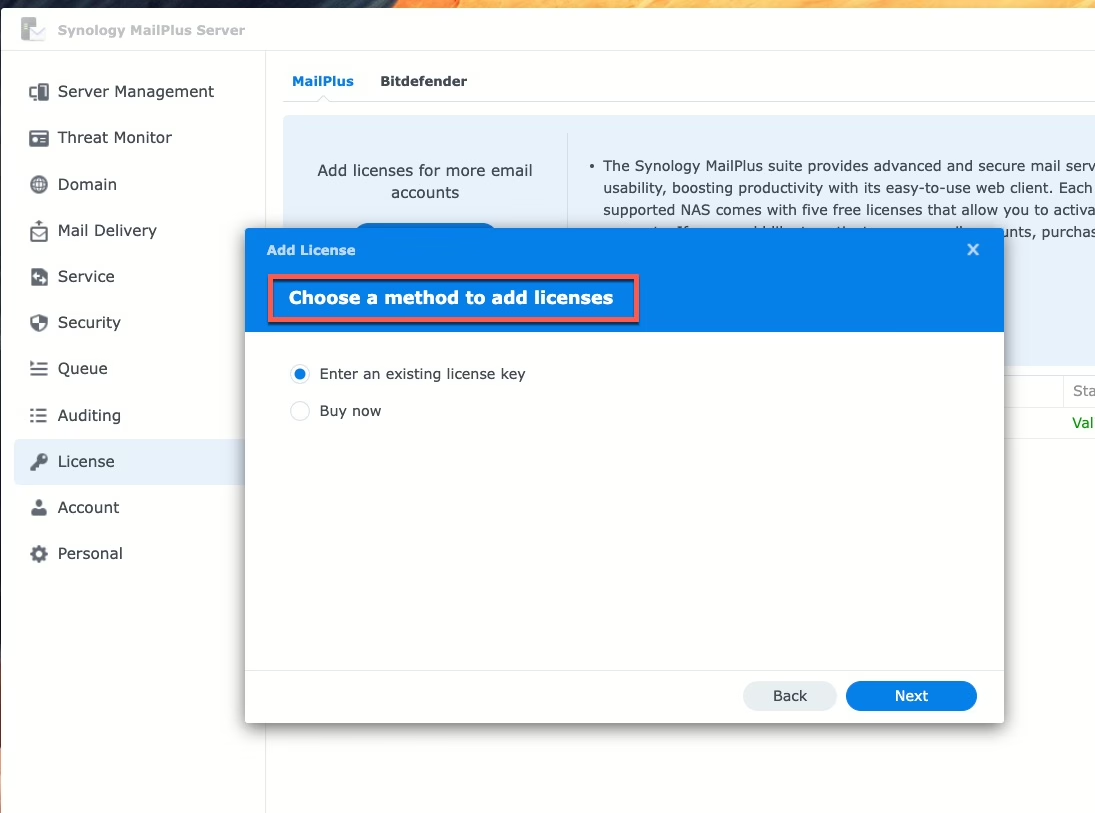
- Enter an existing license key (licenses ordered from official reseller like SynoPower Club)
- Buy now (use your Synology Account registered credit card)
- Enter license key(s) and click Next to finish
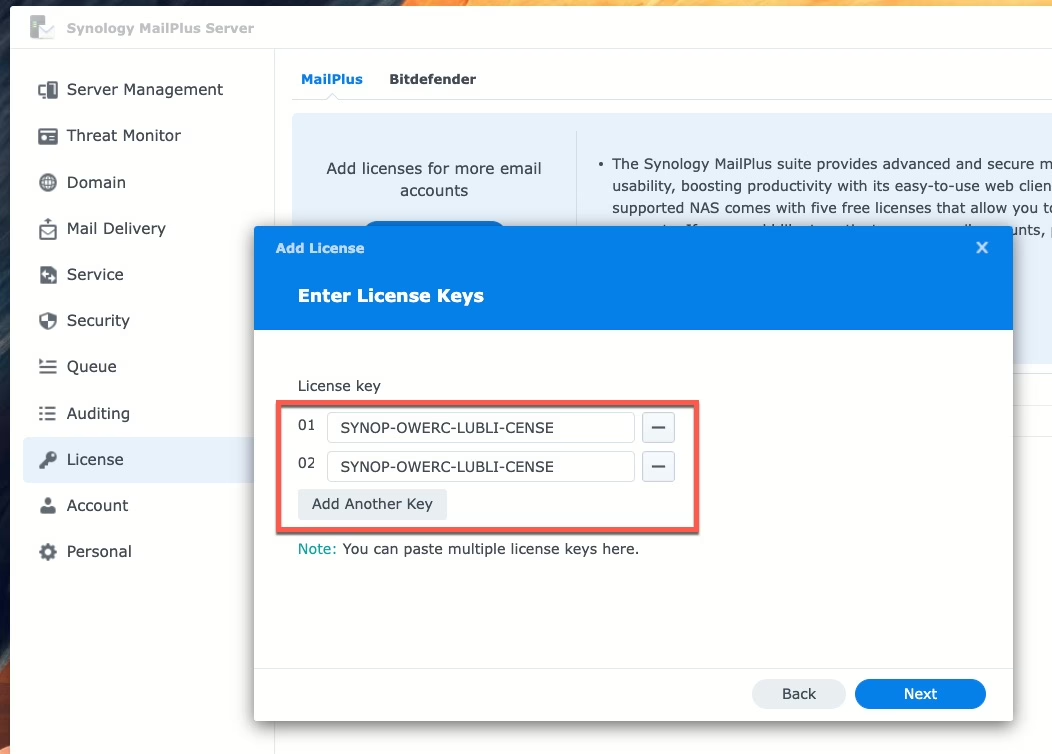
Once the license is added, MailPlus active account will automatically update.
How SynoPower Club Runs on Exactly This Setup #
This is not a configuration we only recommend. SynoPower Club itself runs as a Docker stack on a Virtual DSM instance, and the email that carries your license key to you — any hour, anywhere in the world — is sent by MailPlus on that same NAS, using the five free accounts the guest came with. We have never bought a MailPlus license for our own outbound mail.
We also lean on the AI writing features built into the MailPlus client to work with customers across sixteen languages: smart drafting, grammar checking, tone adjustment and translation, all applied inside the mailbox instead of pasted out to a browser and back.
One caveat worth knowing before you plan around it. Those AI features are an integration, not an included model: an administrator has to supply an API key from an external provider — OpenAI, Azure OpenAI, Amazon Bedrock, Google Gemini or Baidu AI Cloud — and that provider bills you separately for usage. The mail server is yours and paid for once; the AI behind it is metered by whoever you point it at.
Why a MailPlus License Beats a Subscription #
- Cost-effective scalability: Add accounts as your business grows.
- Perpetual validity: No renewal required.
- Seamless migration: Easily move licenses between devices.
Planning the wider deployment rather than just adding a key — DNS, deliverability, models, migration from Google Workspace or Microsoft 365? Start here: Synology MailPlus: the complete guide to running your own mail server.
Buying the packs themselves: MailPlus License 5-User and MailPlus License 20-User. Keys arrive on screen and by email, 24/7.
Related FAQs: #
- What is 24×7 Auto License Online Delivery?
Instant way to receive your Synology licenses and invoice with full warranty and support. - 💡 What Synology NAS model does it support MailPlus? 🤔 How many email accounts users does it support?
- Can Synology licenses purchased here be transferred or migrated?
- How to migrate Synology MailPlus license?
Ready to Get Your Licenses in Seconds? 👉 Pick it Here with Best Value #

On Sale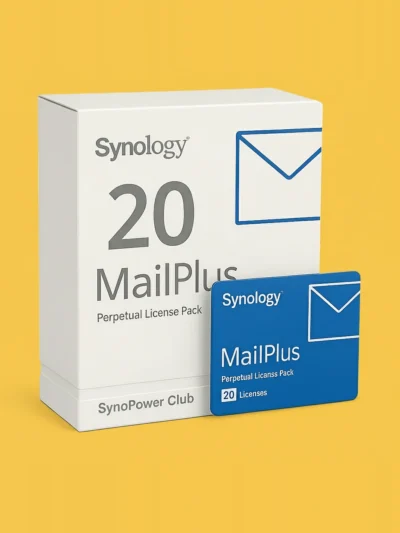
Synology MailPlus License 20-User #
Original price was: CAD $1,539.87.CAD $1,355.07Current price is: CAD $1,355.07.
On Sale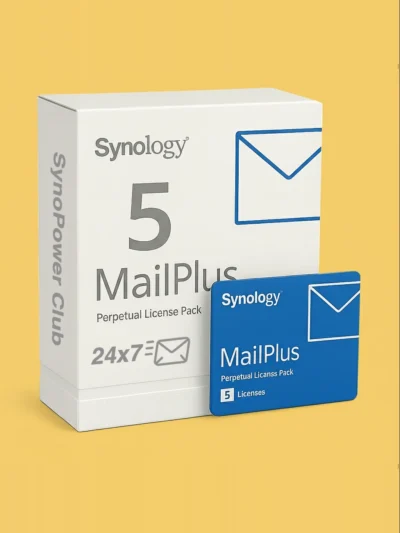
Synology MailPlus License 5-User #
Original price was: CAD $388.04.CAD $349.25Current price is: CAD $349.25.