

✅ Cannot Add Your Synology Camera License? Fix Add and Registration Issues.

Updated on September 19, 2026
4 min read
If you’re having trouble adding your Synology Camera License to Surveillance Station, don’t worry! There are several reasons why this might happen, and we’ll walk you through the common causes and solutions to fix the issue.
One cause is worth ruling out first: a key from a generator or a suspiciously cheap listing will never activate, because Synology blocked those keys in DSM 7.1. If that is where your key came from, read what a Synology license keygen does to your NAS before trying anything else.
Why Can Not I Add My Official Synology Camera License? Common Causes & Fixes #
1. Internet Requirement: #
The license authorization requires an active Internet connection. If your Surveillance Station is in an isolated network, refer to our offline license activation guide or Synology official tips. In brief, either your Synology NAS or the mobile used for verification needs to be connected to Internet while verification.
Based on this, the most likely solution is to resolve an issue with your NAS being unable to connect to Synology Inc. for license validation. Please ensure that your Synology NAS has HTTPS (port 443) access to the required Synology license validation websites. Your NAS needs to connect to domains such as:
- license.synology.com
- account.synology.com
- payment.synology.com
To isolate the cause of connection failure, you could use the following checking way.
On the NAS, Log into your Synology device via SSH with root privileges and execute the following command:
curl -vL synosurveillance.synology.com 2> /dev/null | grep SynologyA successful connection would normally show a line like:
/* Copyright (c) 2022 Synology Inc. All rights reserved. */If your output shows unable to reach the Synology validation server, likely due to a firewall or network isolation issue.
Given this, we recommend directly trying the DS cam offline license activation method by this to solve it:
。Activate Synology Camera License Offline
2. License is registered your Synology Account A, but your are trying to use Synology Account B: #
Check if you have signed in to the correct Synology Account. If you have multiple accounts, try another one to authenticate the migration → common migration issue
3. Ever used Cracked Key on your NAS: #
If you ever used a cracked license (e.g., from keygen sites like this GitHub one), it may work temporarily, but Synology frequent updates often render these invalid.
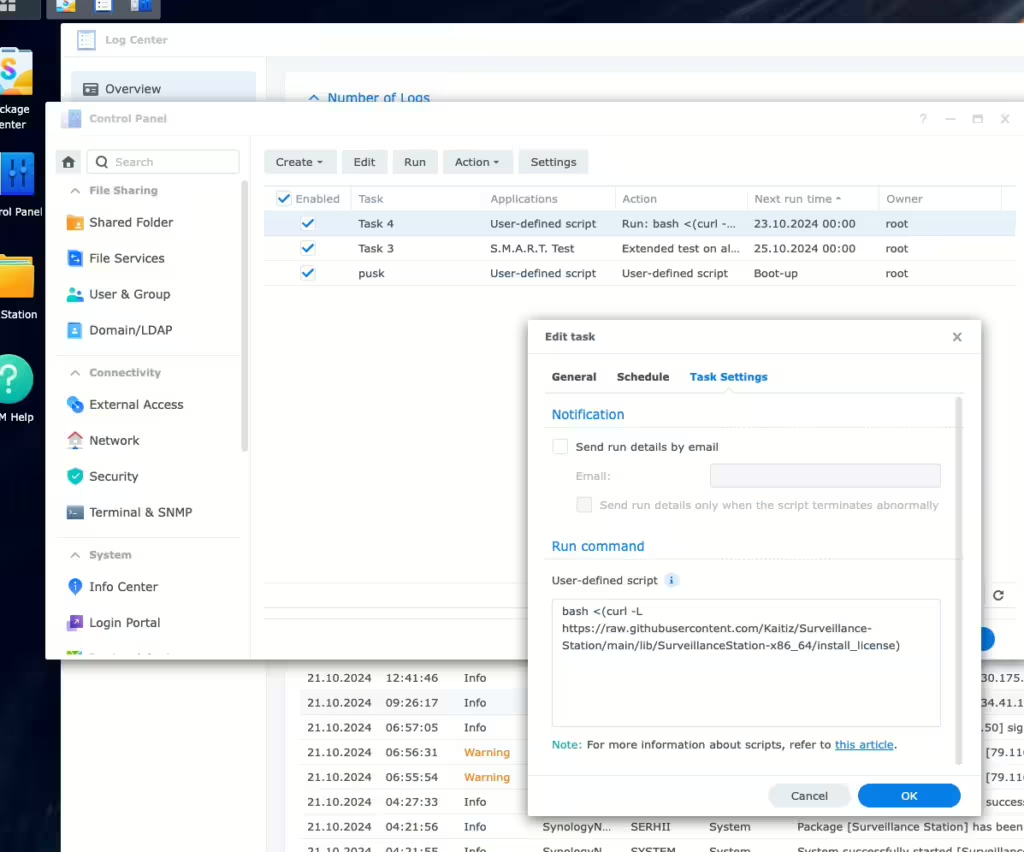
For example, this keygen final update was in 2023. It stops working with 2024 Synology updates, leading to your NAS being locked remotely.
We have also seen cases where cracked scripts disable Surveillance Station on newer DSM versions.
To solve this issue, you could do this:
- Stop any running cracked scripts via Task Manager, then reinstall DSM and Surveillance Station (Mode 2: Reset Synology NAS and re-install DSM).
Finally add license again(How to Add and Activate Synology Surveillance Station License). - If the issue persists and the license still fails to verify, your NAS may be locked. Normally this NAS s/n (serial number) will be locked for two weeks.
If you need Surveillance Station working instantly, you need to
a. submit a Synology support ticket with your NAS s/n photo, photo of your license photo (or a PDF virtual key format) and invoice.
b. Synology Support will verify then unlock your NAS
If you purchased from SynoPower Club, we will send you the photo or the original files upon request for support purposes. (Request your license photo)
Or, we are happy to assist with Synology HQ Support tickets with business level, and this is free of charge to our customers.
Cases study of our support tickets with Synology #
(To accelerate the communication with Synology HQ Taiwan, we use Traditional Chinese to communicate and cc our customer to update)
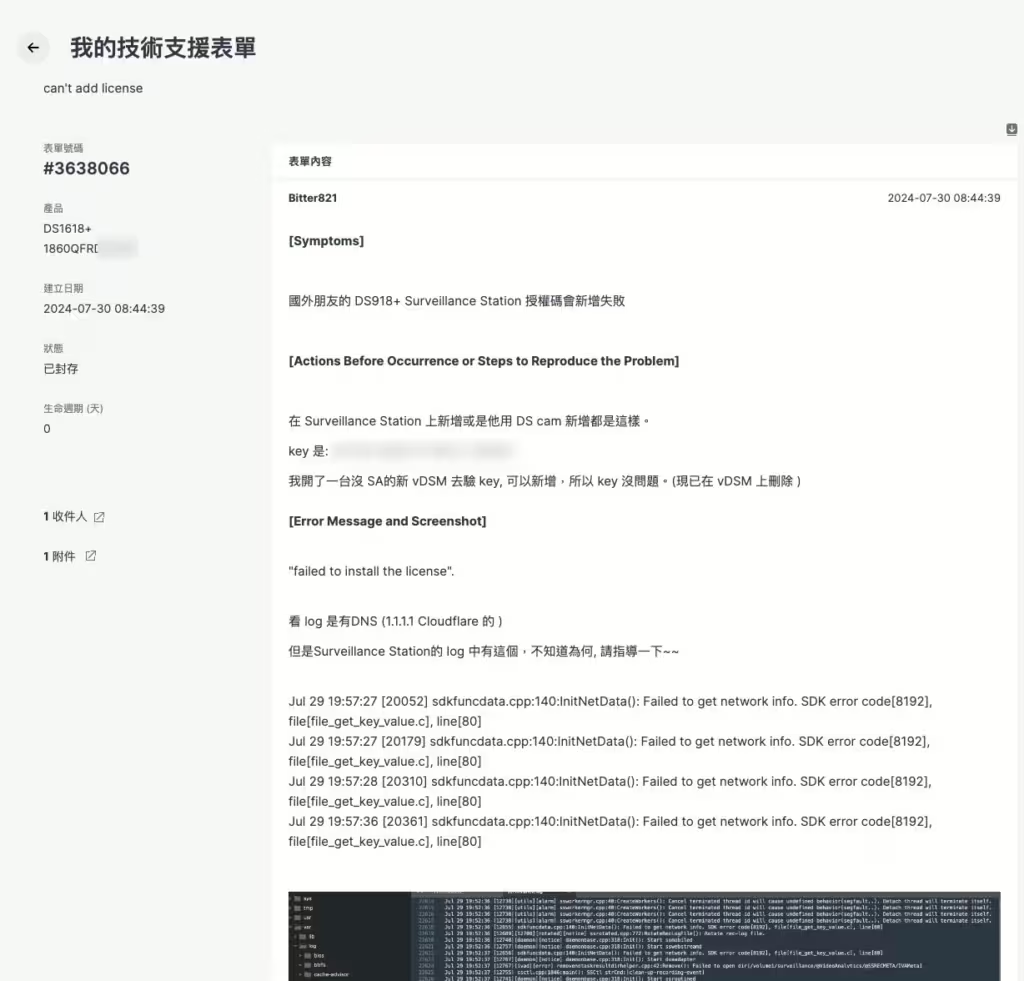
[#3638066] Customer can not add license. We create a business ticket and handle this kind of issue with Synology HQ Support on behalf of our customer. After we provided the photo of license card and invoice, Synology HQ Support unlocked the s/n to fix it.
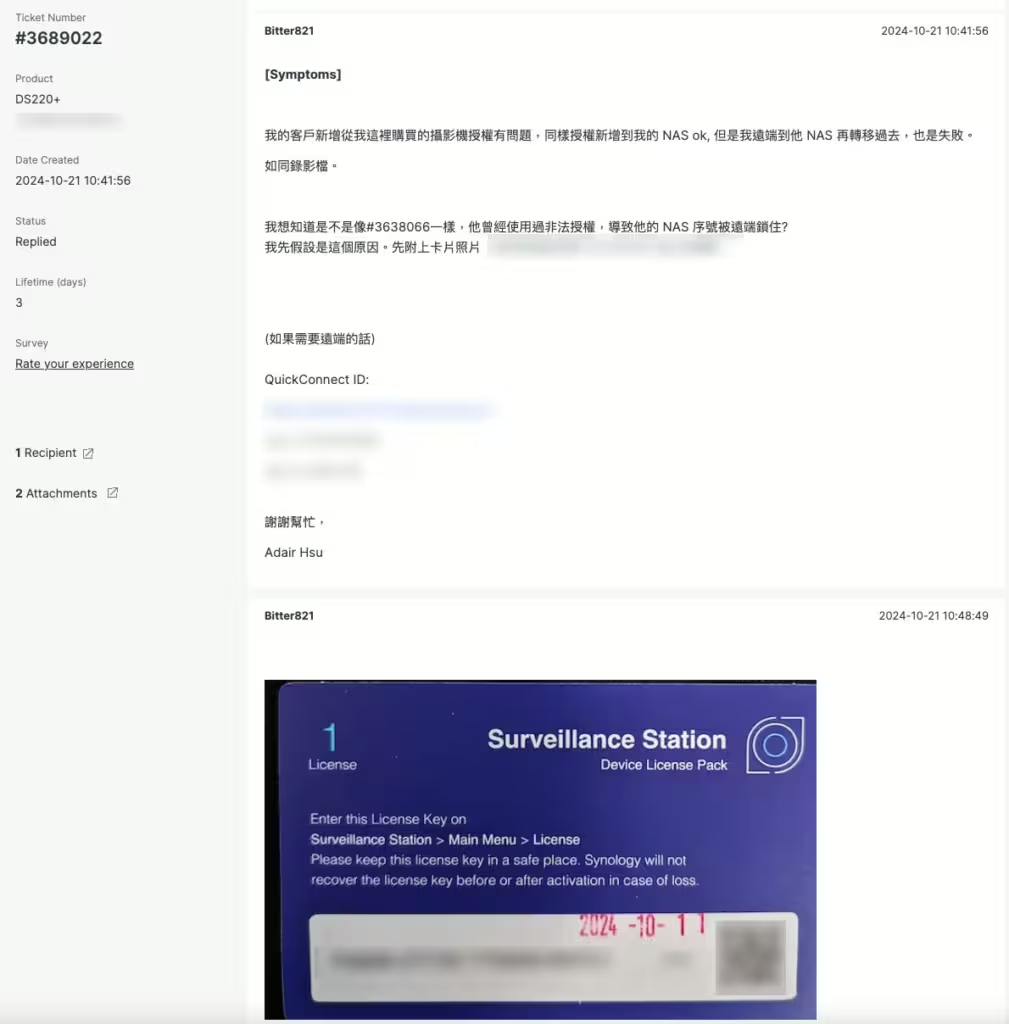
[#3689022] Customer added the license but its Surveillance Station will be disabled after 24hrs. Submit a ticket first to check with Synology HQ Support. Remotely login customer DS220+ to check the system and found the hacked keygen script. Clean by resetting and install the license again to fix it.
Want official Synology Licenses with Full Support? 👉 Pick it Here with Best Value #

On Sale
Synology Surveillance Station License 8-Camera #
Original price was: US $553.89.US $491.05Current price is: US $491.05.
On Sale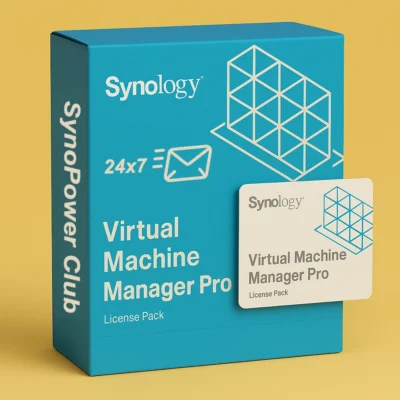
Virtual Machine Manager Pro (VMM Pro) License #
US $185.00 US $995.88Price range: US $185.00 through US $995.88
On Sale
Synology Surveillance Station License 4-Camera #
Original price was: US $276.63.US $246.10Current price is: US $246.10.
On Sale
Synology Surveillance Station License 1-Camera #
Original price was: US $69.00.US $62.10Current price is: US $62.10.
On Sale
Synology MailPlus License 5-User #
Original price was: US $276.90.US $241.73Current price is: US $241.73.
On Sale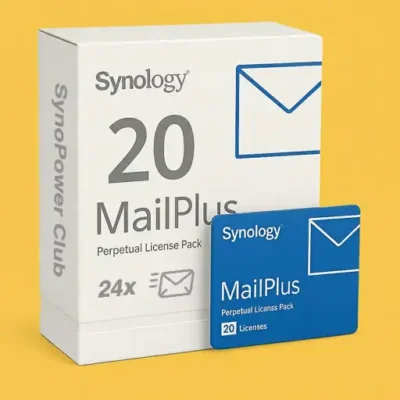
Synology MailPlus License 20-User #
Original price was: US $1,137.59.US $937.94Current price is: US $937.94.
On Sale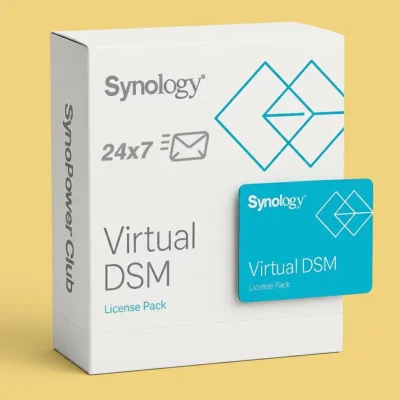
Virtual DSM (VDSM) License 1-Instance #
Original price was: US $169.87.US $145.24Current price is: US $145.24.