

💡 ¿Se puede cambiar el orden de las ranuras de los discos duros en Synology NAS?

Actualizado en 27 de septiembre de 2026
Sí, Synology NAS puede cambiar el orden de las ranuras para discos.
Synology NAS tiene la secuencia del disco duro escrita en el área del sistema de cada disco duro.
Por lo tanto, después de apagar el NAS para el mantenimiento de rutina, cambiar la secuencia de las ranuras del disco duro y luego volver a encenderlo, no se perderán datos.
El siguiente vídeo es una demostración. Las unidades 1, 2, 3 y 4 forman el grupo de almacenamiento 1 y la unidad 5 forma el grupo de almacenamiento 2.
Después de apagar el NAS, reemplace los discos duros en orden y luego vuelva a encenderlo. Grupo de almacenamiento 1 y grupo de almacenamiento 2 Nada cambia.
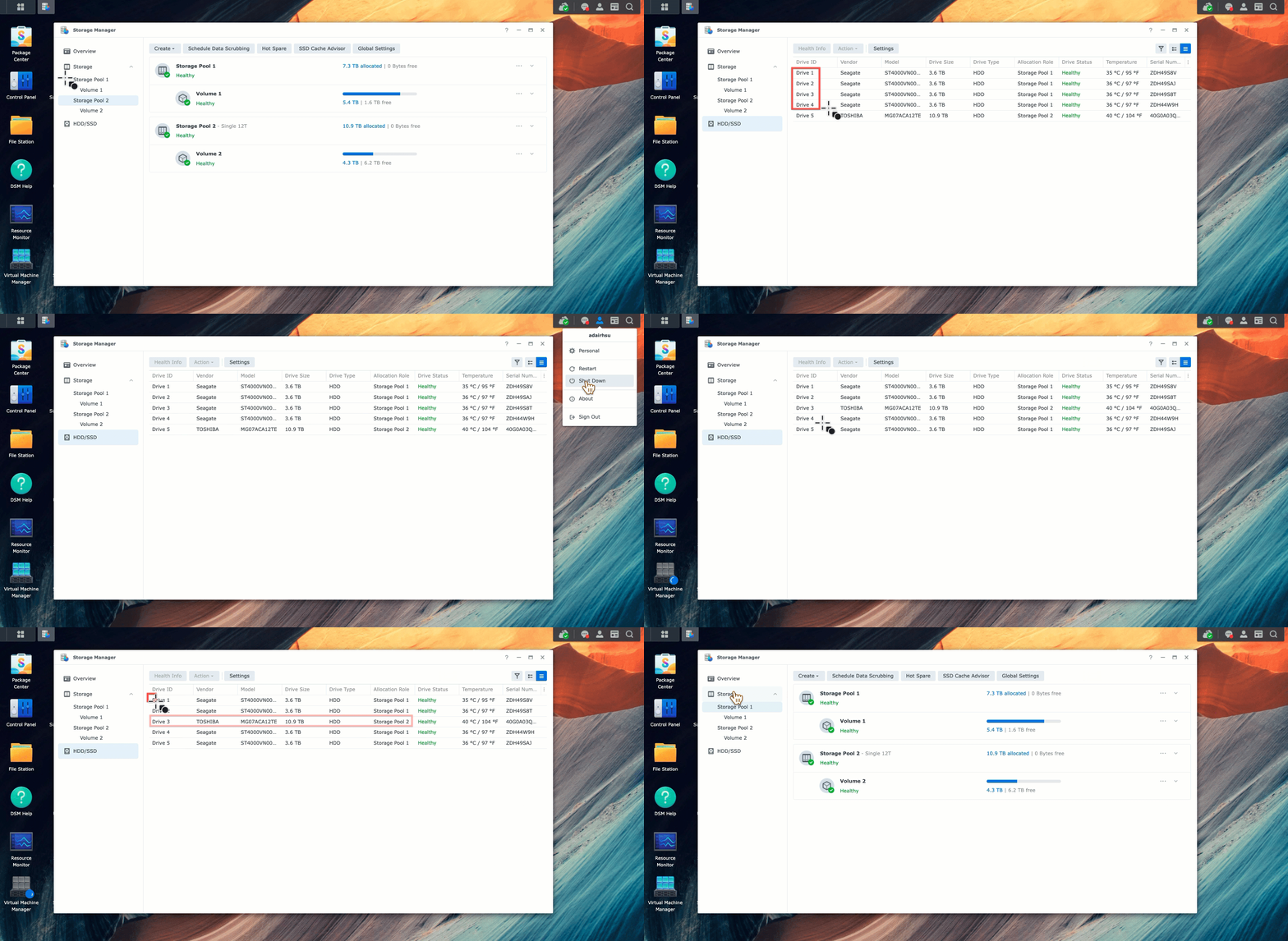
Por qué el orden de los discos puede cambiarse de forma segura #
DSM crea sus grupos de almacenamiento mediante RAID por software en Linux, y este RAID no identifica un disco miembro por la bahía en la que se encuentra. Cada disco contiene sus propios metadatos que describen a qué matriz pertenece y cuál es su función dentro de ella. Al arrancar, DSM lee esos metadatos de cada disco que encuentra y reconstruye el grupo a partir de la información leída, no de la numeración de las ranuras.
Esa es la razón principal por la que el intercambio se mantiene después de un reinicio. Mueva la unidad 1 a la bahía 4 y la unidad 4 a la bahía 1, encienda el equipo y el grupo de almacenamiento volverá a estar como estaba. La única diferencia visible es estética: DSM numera las unidades por bahía física, por lo que Storage Manager mostrará el mismo disco con un número de unidad diferente.
El procedimiento seguro #
- Apague correctamente el NAS. Según DSM, no extraiga discos de un sistema en funcionamiento para cambiar el orden de los discos; esto constituye una extracción en caliente y degradará la matriz en lugar de moverla.
- Etiqueta los discos antes de extraerlos. El array no necesita las etiquetas, pero usted sí las necesitará en el momento en que algo más falle durante el proceso.
- Mover los discos en las bahías que desee.
- Encienda el equipo y compruebe el Administrador de almacenamiento. Se espera que la afluencia de visitantes aumente considerablemente tras la apertura de las nuevas bahías.
Cuando el orden de los discos sí importa #
Los tres casos no representan el mismo trabajo, y el argumento de metadatos anterior no los abarca.
- Unidad principal a unidad de expansión. Mover discos entre el propio NAS y una bandeja de expansión DX o RX no implica una reordenación de bahías. Un grupo de almacenamiento pertenece a una sola carcasa y no se traslada entre ellas moviendo discos.
- Un modelo NAS diferente. Instalar todo el conjunto de discos en otro Synology es una migración, con sus propias reglas de compatibilidad que dependen de los dos modelos y sus versiones de DSM. Verifique la compatibilidad de la migración antes de comenzar, no después.
- Una piscina deteriorada o en reconstrucción. Primero, finaliza la reparación. Cambiar el orden de los discos mientras se reconstruye la matriz elimina la redundancia en la que te basas.
Preguntas frecuentes sobre pedidos de discos #
¿Cambiar el orden de los discos borrará mis datos? #
No. La información sobre la composición del array se registra en los discos, por lo que DSM reconstruye el pool a partir de los discos que encuentra, en lugar de basarse en la numeración de las bahías. El único requisito es un apagado limpio antes del intercambio.
¿Puedo cambiar el orden de los discos mientras el NAS está en funcionamiento? #
No. Extraer un disco de un sistema en funcionamiento es una extracción en caliente y degrada el rendimiento del sistema. Apague primero el sistema desde DSM, mueva los discos y luego enciéndalo.
¿Cambiarán los números de las unidades en el Administrador de almacenamiento? #
Sí, y eso es lo esperado. DSM numera las unidades por bahía física, por lo que un disco movido de la bahía 1 a la bahía 4 aparecerá como la unidad 4. El grupo de almacenamiento y los datos no se ven afectados.
¿Esto funciona igual de bien con SHR que con RAID clásico? #
Sí. SHR se basa en el mismo software RAID de Linux, por lo que identifica los discos miembros de la misma manera.
¿Qué ocurre si traslado los discos a un NAS Synology diferente? #
Se trata de una migración, no de un cambio en el orden de los discos, y tiene su propia matriz de compatibilidad. Antes de mover nada, compruebe qué modelos de origen y destino admite Synology.

En venta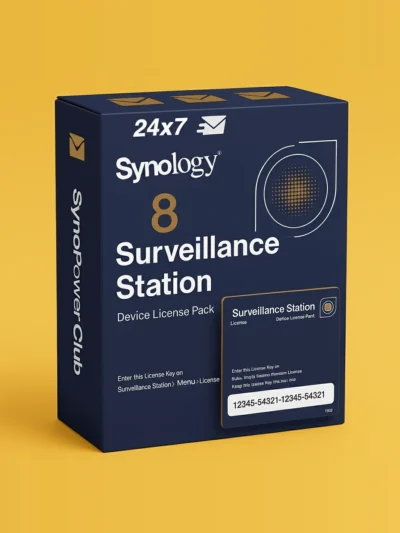
Paquete de 8 licencias de cámara Synology Surveillance Station (CLP8) #
El precio original era: US $586.20.US $486.55El precio actual es: US $486.55.
En venta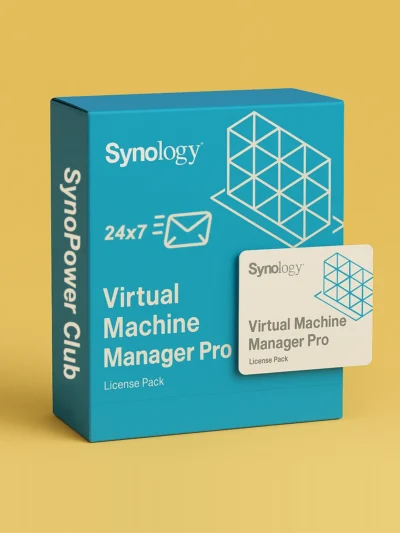
Licencia Virtual Machine Manager Pro (VMM Pro) #
US $185 US $995.88Rango de precios: desde US $185 hasta US $995.88
En venta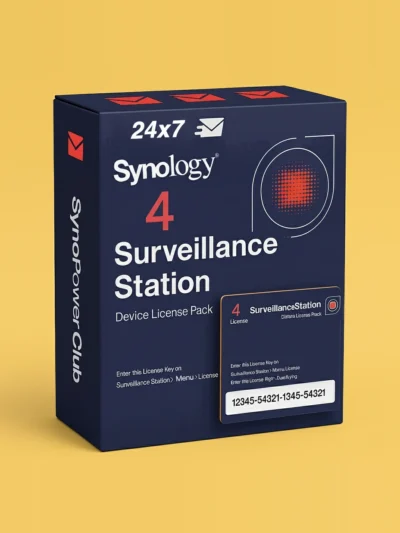
Paquete de 4 licencias de cámara Synology Surveillance Station (CLP4) #
El precio original era: US $299.90.US $257.92El precio actual es: US $257.92.
En venta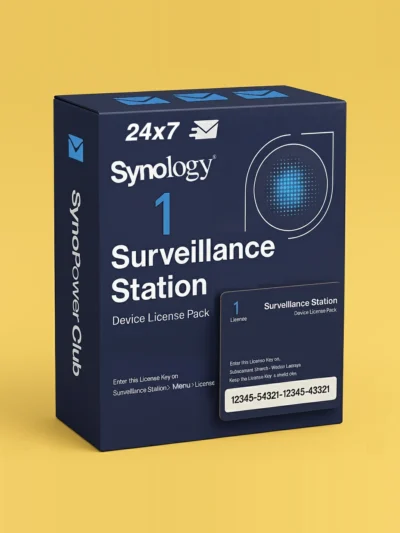
Licencia para cámara Synology Surveillance Station, paquete de 1 (CLP1) #
El precio original era: US $73.32.US $65.09El precio actual es: US $65.09.
En venta
Licencia Synology MailPlus para 5 usuarios #
El precio original era: US $272.35.US $245.12El precio actual es: US $245.12.
En venta
Licencia Synology MailPlus para 20 usuarios #
El precio original era: US $1,080.76.US $951.06El precio actual es: US $951.06.
En venta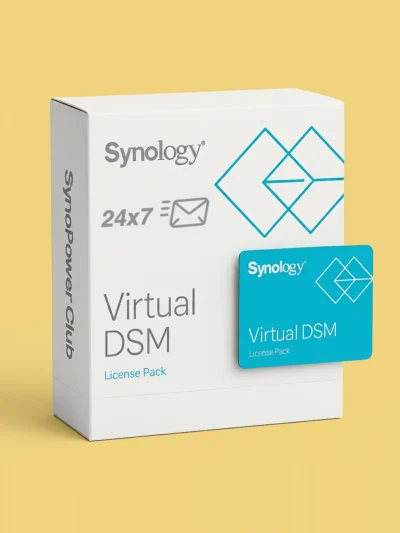
Licencia Virtual DSM (VDSM) para 1 instancia #
El precio original era: US $169.87.US $145.24El precio actual es: US $145.24.
¿Tienes alguna pregunta? Solo pregúntamela SynoPower Club.